

Required permission:
- View configuration
- Edit configuration
Setting it up
- Open Planning › Routing › Configuration and go to Speed & capacity.
- Make sure at least one capacity constraint is ticked. Without one, the dialog says Please select at least one capacity constraint to continue configuring the dynamic visit time.
- Next to Default Visit Time, click Dynamic Visit Time.
- For each ticked constraint, type the minutes to add for every unit.
- Click Apply. The rules are saved to the profile right away.
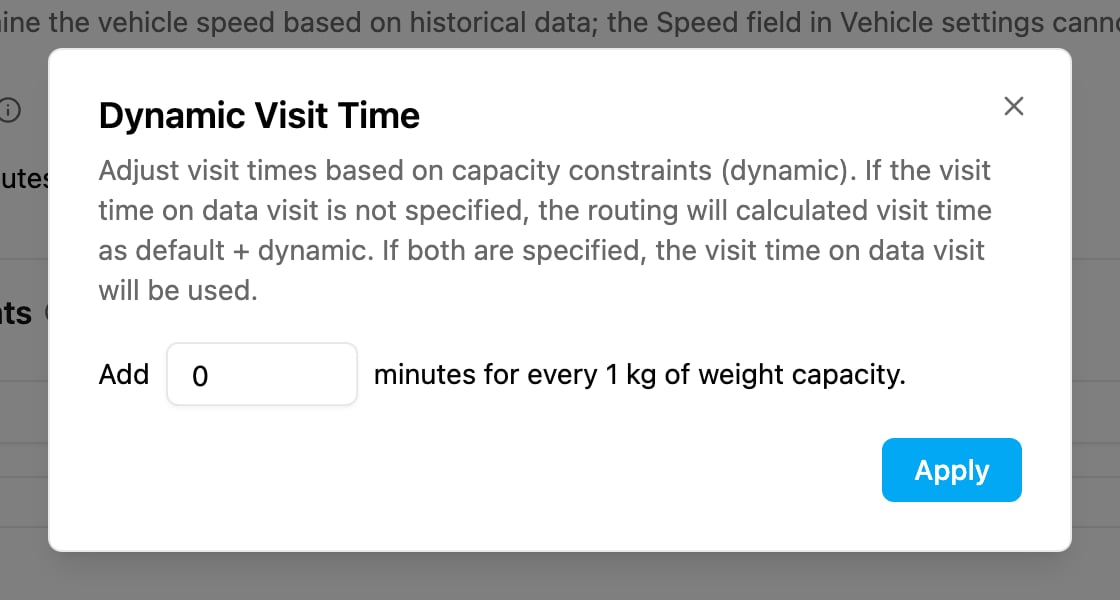
0 to leave that constraint out.
How the visit time is worked out
- When the visit has no visit time of its own, its time is the Default Visit Time plus the dynamic time. Example: default 15 minutes, 2 minutes per box, a visit with 5 boxes takes 15 + 10 = 25 minutes.
- When the visit has its own visit time, that time is used and the default and dynamic times are ignored.