

Required permission:
- View tracking
Filter by date
Click the Date button above the user list and pick a day in the calendar. The page shows that day’s field workers, tasks, routes and totals.- Today: the map updates live as field workers move and finish tasks, and refreshes every 5 minutes if the live connection drops.
- An earlier day: a finished record. It is not refreshed.
Filter by task time and location source
Click the Filter button beside the date.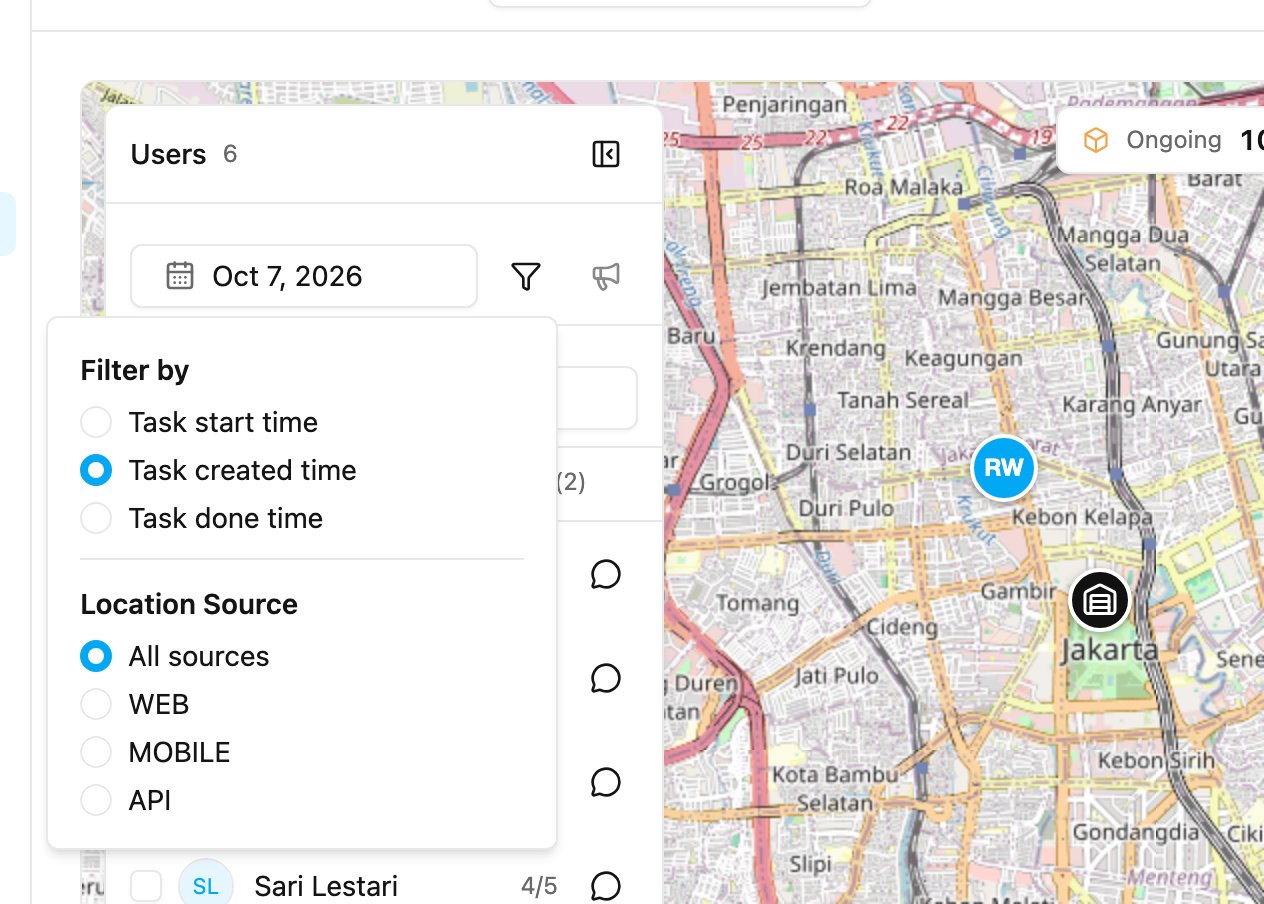
- Task start time: tasks that start on that day.
- Task created time: tasks created on that day. This is the default.
- Task done time: tasks finished on that day.