

Required permission:
- View automation
- Create automation
- View geofence
When it runs
- The field app reports a position outside a geofence the worker was recorded as inside.
- The system checks whether the entry for that geofence was sent.
- If it was, the leave runs and the webhook is sent. If it wasn’t, nothing is sent.
Set it up
On Workflow › Automation, click New, then: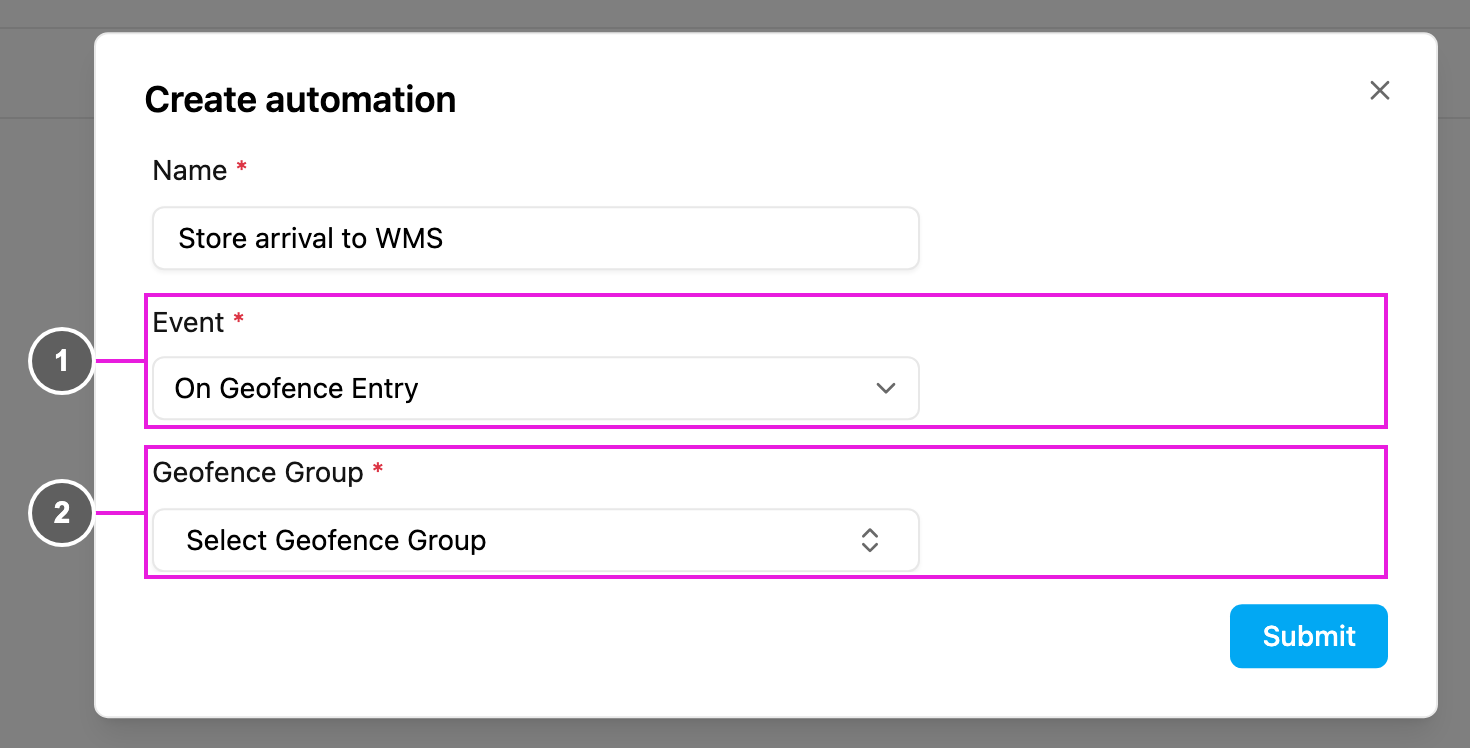
- Event: On Geofence Leave.
- Geofence Group: required. The group to watch.
eventName.
Webhook payload
The body has the same shape as On Geofence Entry, witheventName set to leave_geofence:
To measure the visit, compare
createdTime of the leave with createdTime of the matching entry.
Troubleshooting
The leave never runs.- Check that you received the matching entry first. No entry means no leave.
- Check that the automation and the geofence are active, and the geofence is in the chosen group.
- The field app must keep reporting positions until the worker is outside.