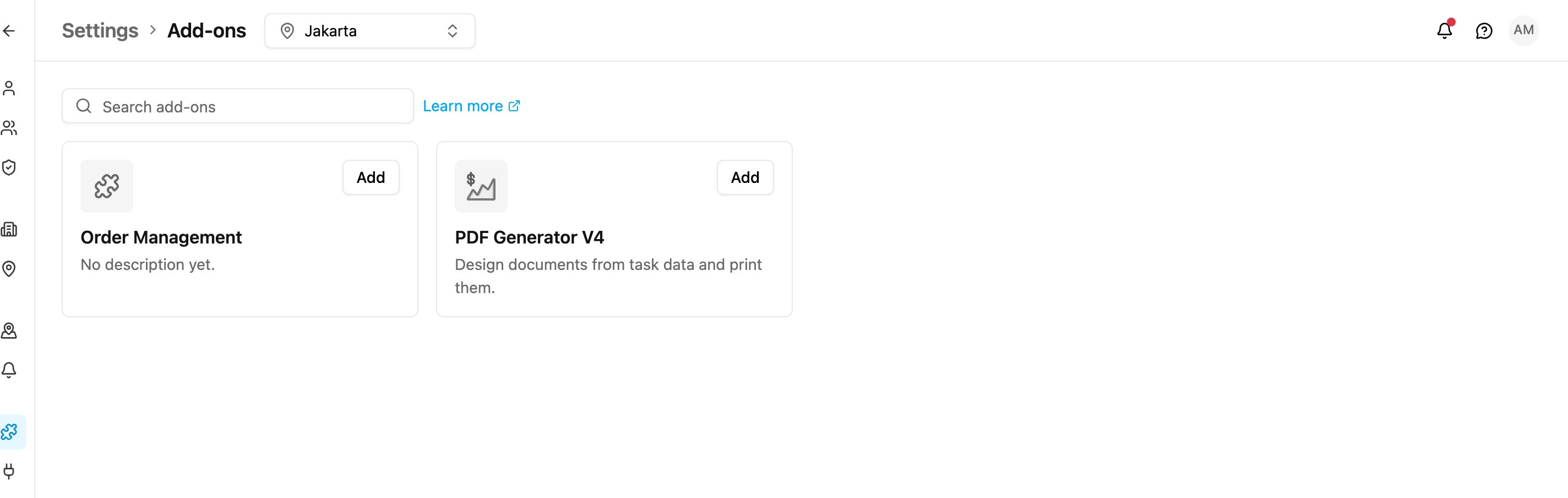
Add-ons extend the app with features beyond the core platform, such as document templates or order management. Each installed add-on gets its own entry in the left menu. Open Settings › Add-ons.
Required permission:
  • Create custom module (to add an add-on)
  • Delete custom module (to remove one)
Add-ons
Each card shows the add-on’s icon, name and description. Use Search add-ons to find one by name or description.
  • Add: install the add-on. A dialog asks for its Name (the label in the left menu) and Address (the last part of its page address), both filled in for you.
  • Configure: on an installed add-on, change its name or address.
  • Remove: uninstall it after confirming. Its menu entry and permission are removed.
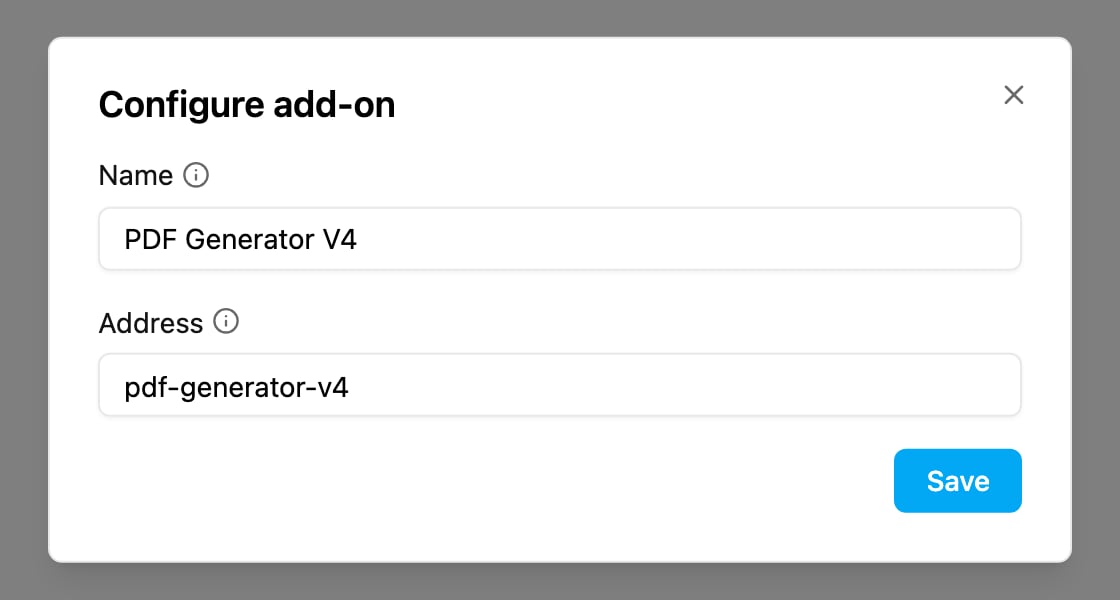
Configure add-on
For the full guide, the list of available add-ons and what each one does, see Add-ons.