

Required permission:
- Delete organization
Delete the organization
- Open Settings › Organization.
- In Delete organization, click Delete organization.
- Read the list of what is removed.
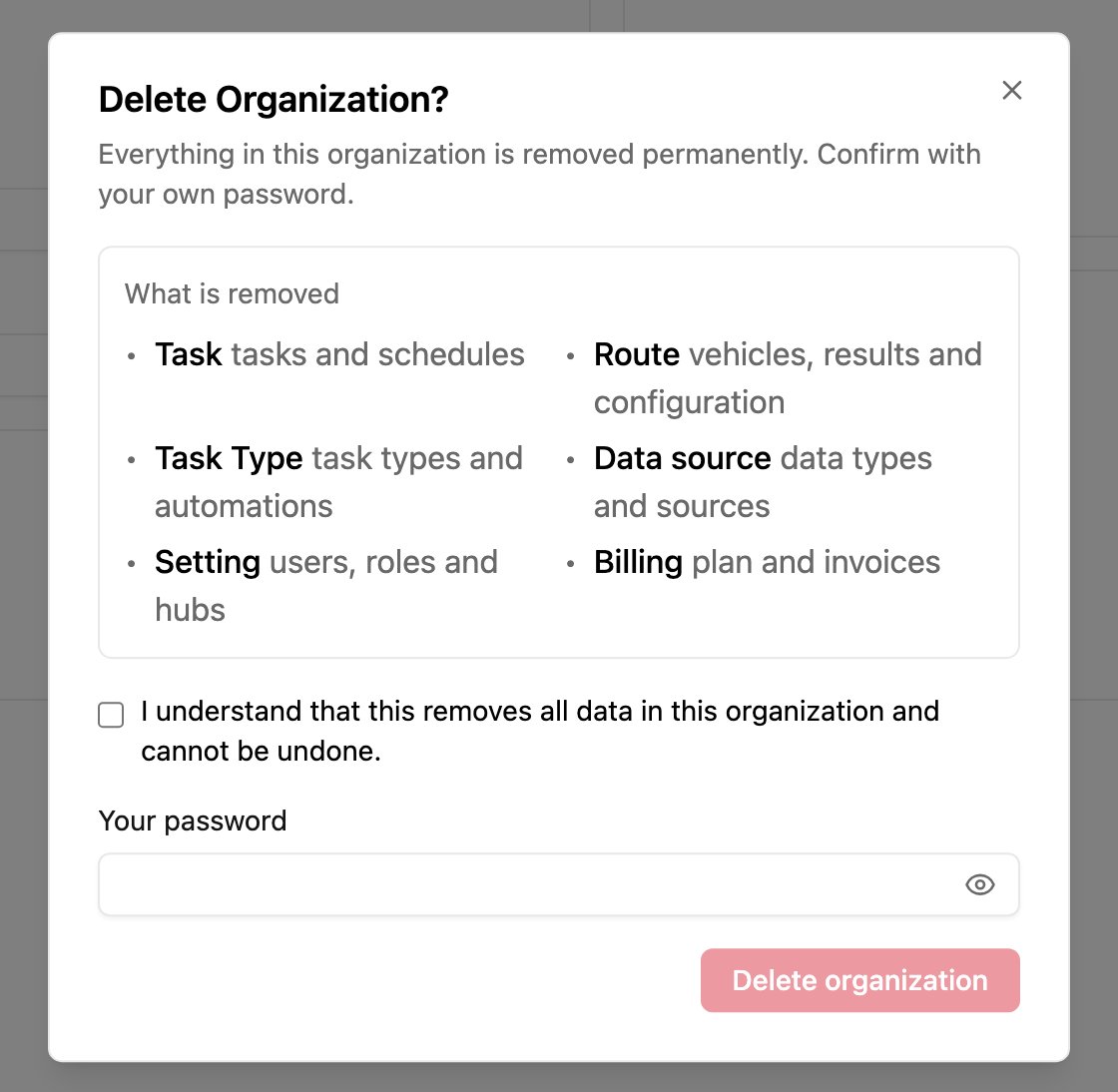
- Tick I understand that this removes all data in this organization and cannot be undone.
- Type Your password.
- Click Delete organization.
What is removed
The owner and every member receive an email confirming the organization was deleted.
After deletion
- If you belong to other organizations, you can sign in and keep working in them. Your account stays active.
- If it was your only organization, you’re signed out. You can create a new organization or accept an invitation to join one.