

Required permission:
- View Order Type
Play the tutorial
- Open an order type and go to the Steps tab.
- Close any open step panel, so the guide panel shows Getting started.
- Click Play tutorial (About 1 minute).
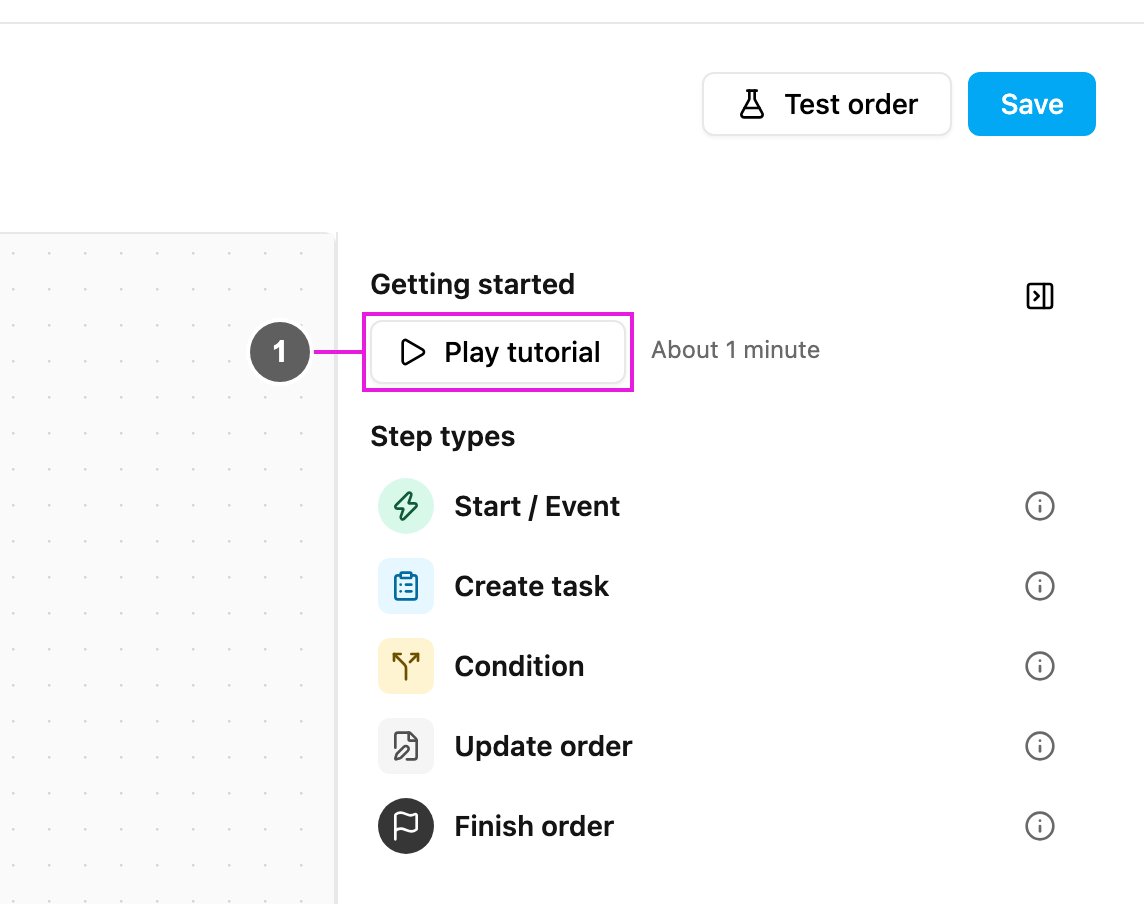
- Play tutorial
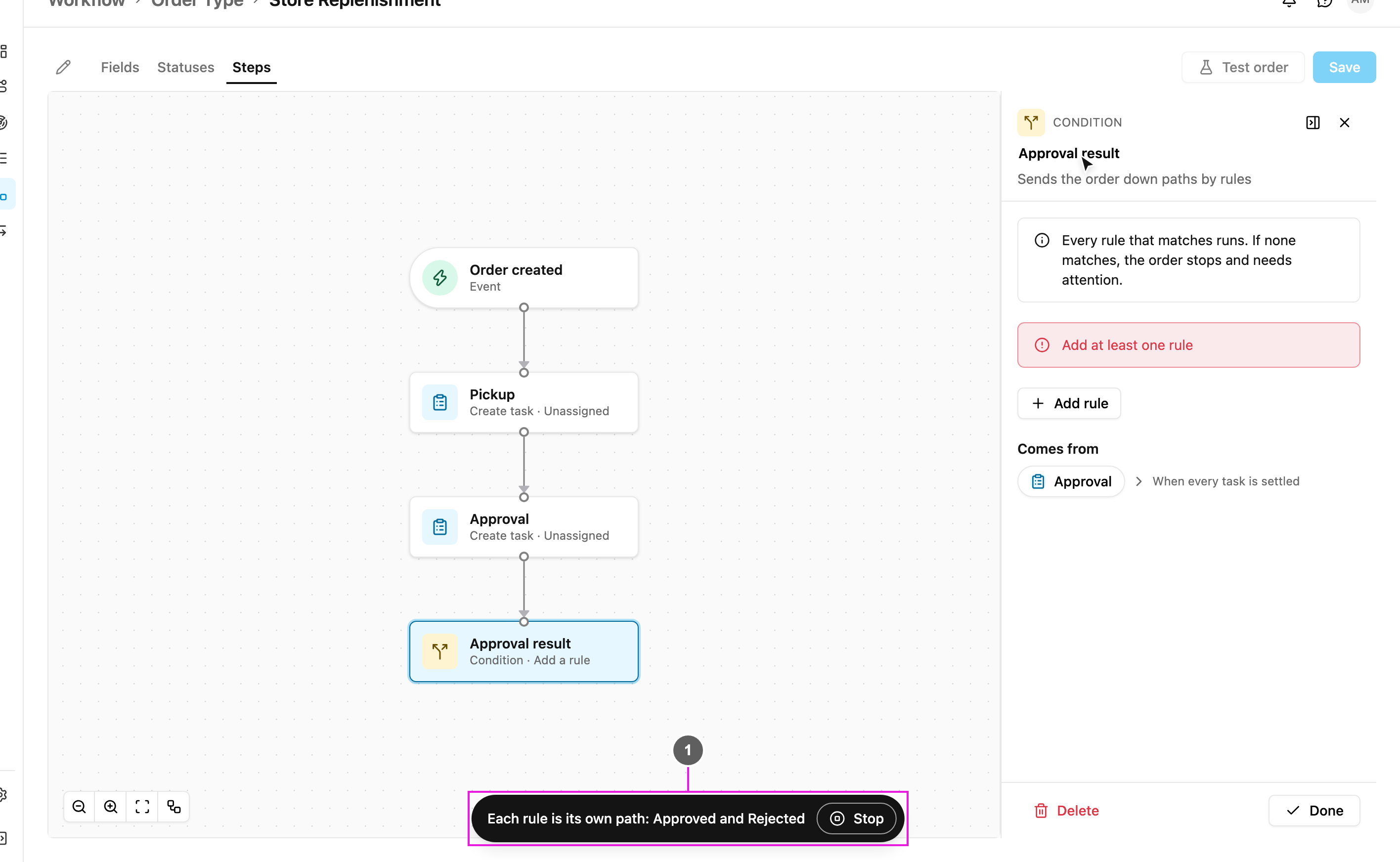
- Caption and Stop
What the demo builds
The captions walk through these moves, in this order:- Start from an empty canvas.
- Add the first step, then Pick the trigger that starts the order: Order created.
- Press + to add the next step, then Add the Pickup task and Pick the Task Type the task is made from.
- Then an Approval task.
- Add a condition on the approval result: a Condition step named Approval result.
- Each rule is its own path: Approved and Rejected.
- Approved goes to Delivery, and Finish the order after Delivery.
- Rejected finishes the order too.
- Every step shows where it comes from and where it goes.
- Done. Now try it yourself: press + or click any step.