> ## Documentation Index
> Fetch the complete documentation index at: https://docsv4.mile.app/llms.txt
> Use this file to discover all available pages before exploring further.
# Visit Group
> Keep related visits on the same vehicle and set their order.
**Visit Group** keeps related visits together and in order, for example making sure a pickup happens before its delivery. All visits in the same group are given to the **same vehicle**.
Required permission:
* View task
* Edit task
* Route optimization
## Setting a visit group
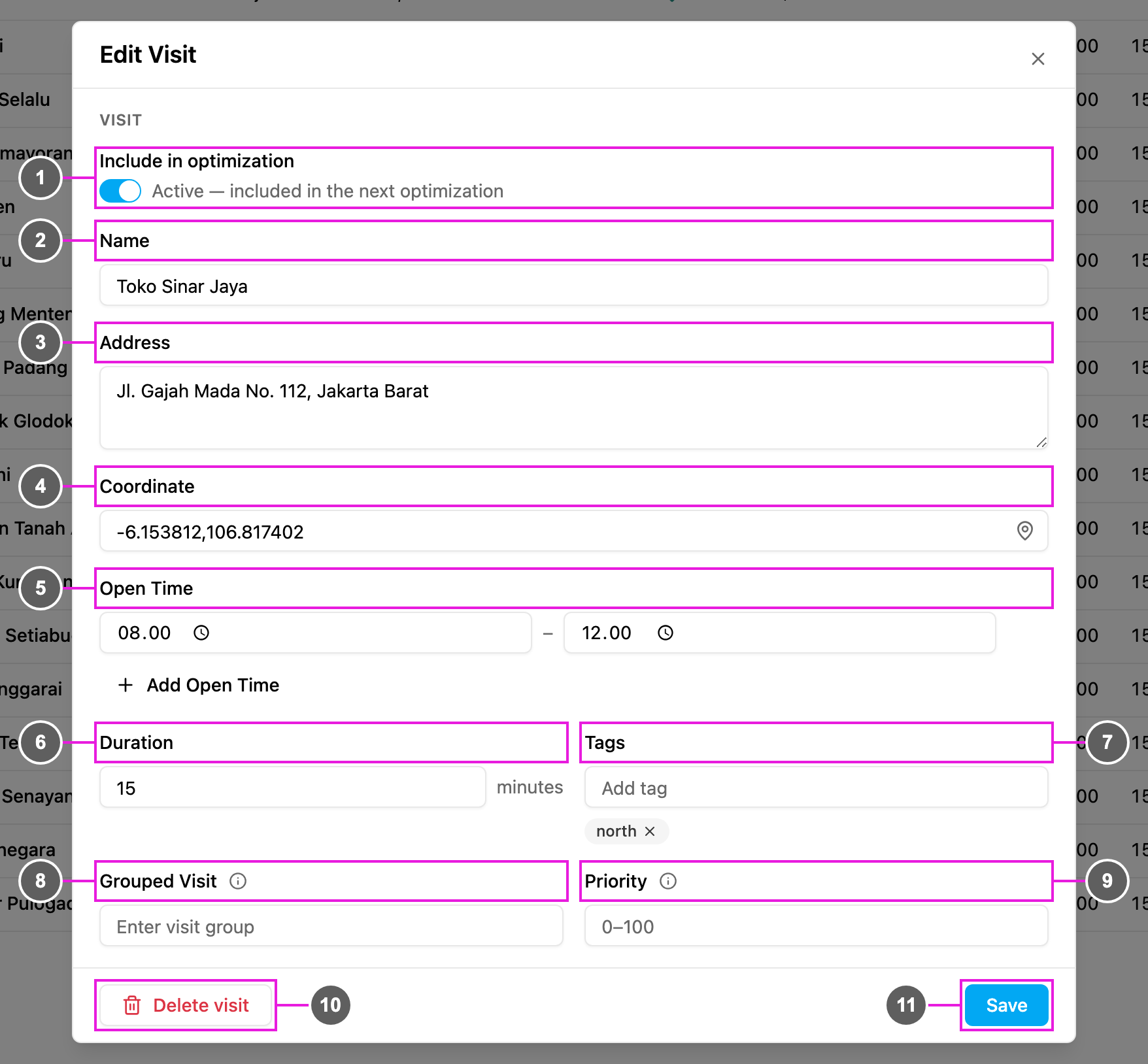
Open **Edit Visit** for a visit on the [Visit](/pages/planning/routing/visit#editing-a-visit) page. Two fields set the group:
* **Grouped Visit** (item 8): the group name. Visits with the same group are given to the same vehicle. Leave it empty if the visit has no group.
* **Priority** (item 9): the order inside the group, from 0 to 100, 0 by default. **A lower number is visited earlier.**
## In the result
In the [result](/pages/planning/routing/result/visit-detail), the visit group appears as a badge next to the visit's tags.
## Notes
* A group can contain any number of visits, not only two.
* Priority sets the order inside a group, but the visits are not always back to back: other visits may be planned in between.
* To keep the group and priority on the task after you dispatch, map them in the task type's [route configuration](/pages/workflow/task-type/configuration). Values typed only on the Visit page are temporary: they are used by the optimization but not saved to the task.
This documentation is built and hosted on [Mintlify](https://mintlify.com), a developer documentation platform.